Published 26 Feb 2024
Article by
4 min read
What is a Dock Audit Checklist?
A dock audit is a quick, final inspection of finished products before they are sealed, boxed, and approved for shipping. It is a visual inspection typically performed by quality control inspectors on the shipping dock of a warehouse shortly before the product is loaded onto a freight truck for delivery.
Importance and Benefits
Dock audits are primarily done to catch defective and non-compliant products before they are shipped. This helps the manufacturer avoid customer complaints,maintain a good business reputation, and encourage a culture of consistent, high-quality work.
A dock audit checklist helps streamline this process, as it helps standardize operations. It tells inspectors how to inspect items before shipment, what to look out for, and when to report issues. Using one also helps ensure compliance with relevant US Occupational Safety and Health Administration (OSHA) and ISO standards, since the checklist can be tailored to specifically include guidelines for these as part of its contents.
A digital checklist, in particular, can prove to be essential for reducing errors in shipping orders and inventory tracking for faster and more accurate fulfillment. Additionally, small derivations from the design can put customers at risk, which can negatively impact businesses. With the right platform, users can also boost efficiency during dock audits by capturing photos and data on-site, minimizing paperwork.
Utilizing a dock audit checklist also helps ensure worker safety. Inspectors can report hazards like damaged equipment, poor lighting, or unsecured vehicles as items are being packed or shipped with the checklist, helping mitigate risks of falls, fires, or collisions in loading areas. At the same time, a checklist also manages to promote accountability within an organization, especially if it’s a digital one that allows users to assign inspection roles and require follow-ups.
What to Include in a Dock Audit Checklist
The ideal dock audit checklist will allow users to inspect every item before shipping. Often, with fields for the following:
Product number or ID
Inspecting individual design details such as:
dimensions;
deformities; and
color.
Inspecting and finalizing physical inventory count
Ensuring the presence and quality of product inclusions as advertised
Ensuring the presence of user manuals, where applicable
Assuring compliance with specific customer requirements
At the end of the dock audit checklist, there should then be a sign-off field for the inspector responsible. This ensures accountability and easy traceability in case of issues or non-compliance, while assuring credibility of the inspector.
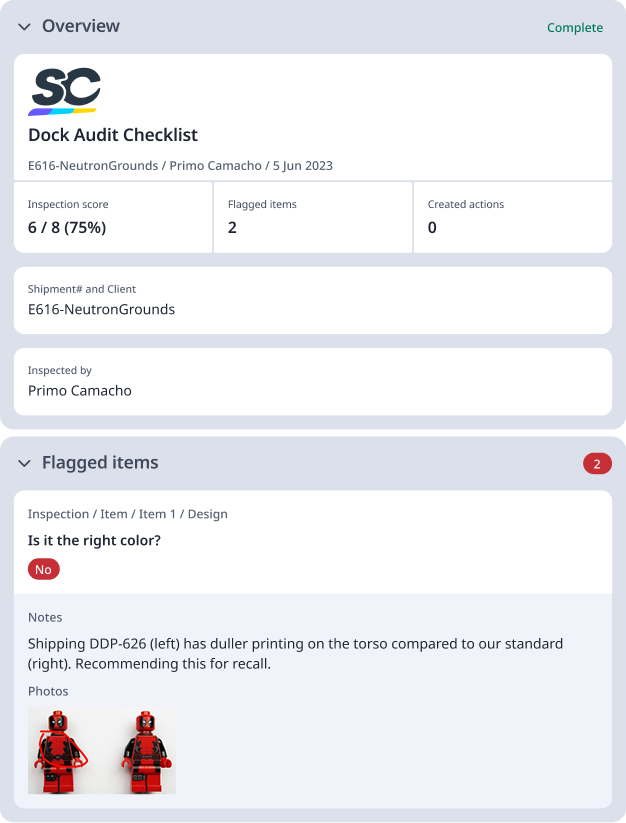
For reference, here is a sample dock audit checklist report in use:
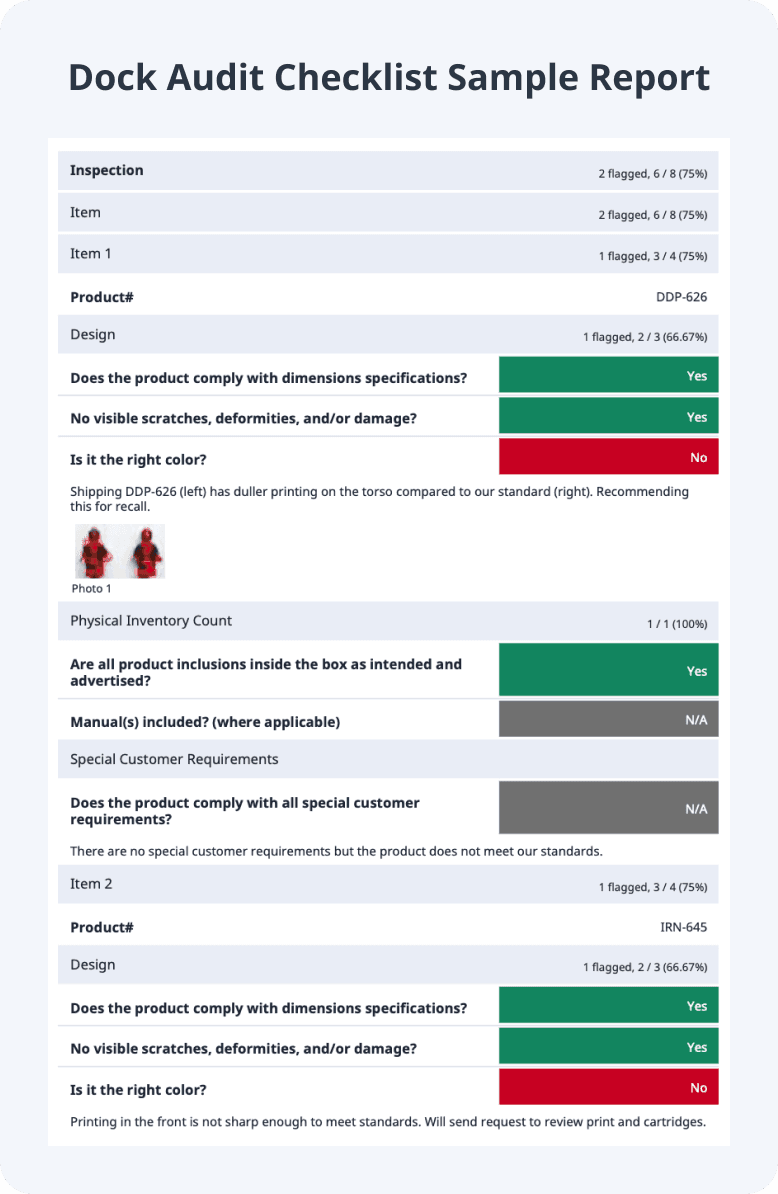
Preview Sample Dock Audit Checklist PDF
How to Use
The best way to use a dock audit checklist is by following a structured process to inspect finished products and dock conditions before shipping. Doing things systemically helps ensure product quality, worker safety, and operational compliance.
Here is a step-by-step guide on how to integrate a dock audit checklist into your daily tasks:
Gather shipping orders, product specs, quality records, and tools like measuring devices or safety gear. Verify dock readiness, including lighting, dock plates, and restraints.
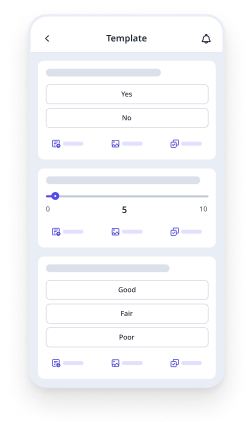
After all necessary pre-shipping documents and packages are gathered, launch your digital checklist app and enter their details as needed. Perform visual inspections for defects, damage, correct labeling, packaging, and quantities matching orders.
Make sure to also check physical inventory, special customer requirements, temperature controls if applicable, and security seals. Capture photos or videos of issues and good examples as they’re spotted, and annotate them for evidence.
Once done, conduct a final dock walkthrough to resolve issues before shipment approval. Create corrective actions as needed, and tag the right personnel to ensure problems are solved in a timely fashion.
Generate real-time reports for archiving and sharing. Use your archived reports to identify trends, implement improvements, and schedule recurring audits.

Still looking for a checklist?
Search, filter, and customize 60,000+ templates across industries and use cases.