What is an Employee Evaluation Form?
An employee evaluation form is a standardized tool used by managers, HR teams, or supervisors to assess an employee's job performance, skills, and contributions over a review period. It covers areas like productivity, teamwork, goal achievement, and professional growth. These forms support performance reviews, promotions, compensation decisions, and development plans, providing clear feedback to align individual efforts with organizational goals.
What’s Included in an Employee Evaluation Form?
Most employee evaluation forms use a structured template for consistency. Common sections include:
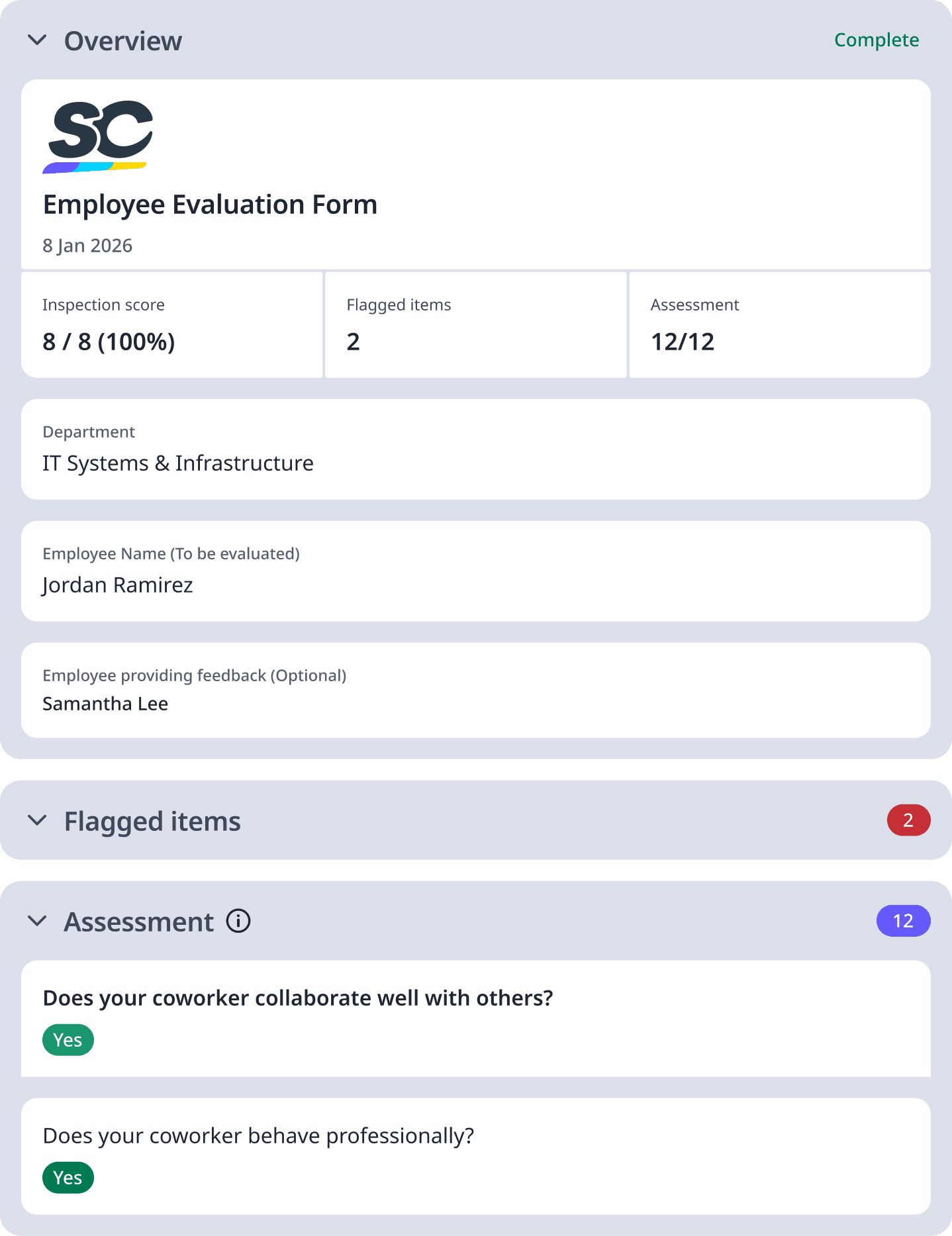
Employee and Reviewer Details: Names, position, department, review period, and goals set.
Performance Metrics: Ratings for core competencies like quality of work, efficiency, and reliability.
Behavioral Skills: Assessments of communication, collaboration, adaptability, and initiative.
Goal Achievement: Progress on specific objectives, with metrics or examples.
Development Areas: Notes on strengths, opportunities for growth, and training needs.
Overall Ratings: Scales (e.g., 1-5) for total performance, plus comments, signatures, and action plans.
Importance of using an Employee Evaluation Form
Using an employee evaluation form drives results through structured, unbiased feedback; ensures fair assessments tied to job criteria; supports talent decisions like raises or promotions; encourages open manager-employee dialogue; identifies training gaps to boost skills; and streamlines HR processes for efficiency all fostering higher engagement, retention, and business success.
How do I fill out an Employee Evaluation Form?
Filling out the form is simple, base it on evidence from the review period, not recency bias. Follow these steps:
Prepare: Gather data like metrics, emails, and prior goals.
Review Objectively: Rate each category with specific examples (e.g., "Completed 15 projects ahead of deadline").
Balance Feedback: Start with strengths, then constructive suggestions.
Discuss Goals: Note achievements and set new SMART targets.
Meet and Sign: Share in a one-on-one, address questions, and obtain signatures.
Follow Up: File for records and schedule check-ins.